

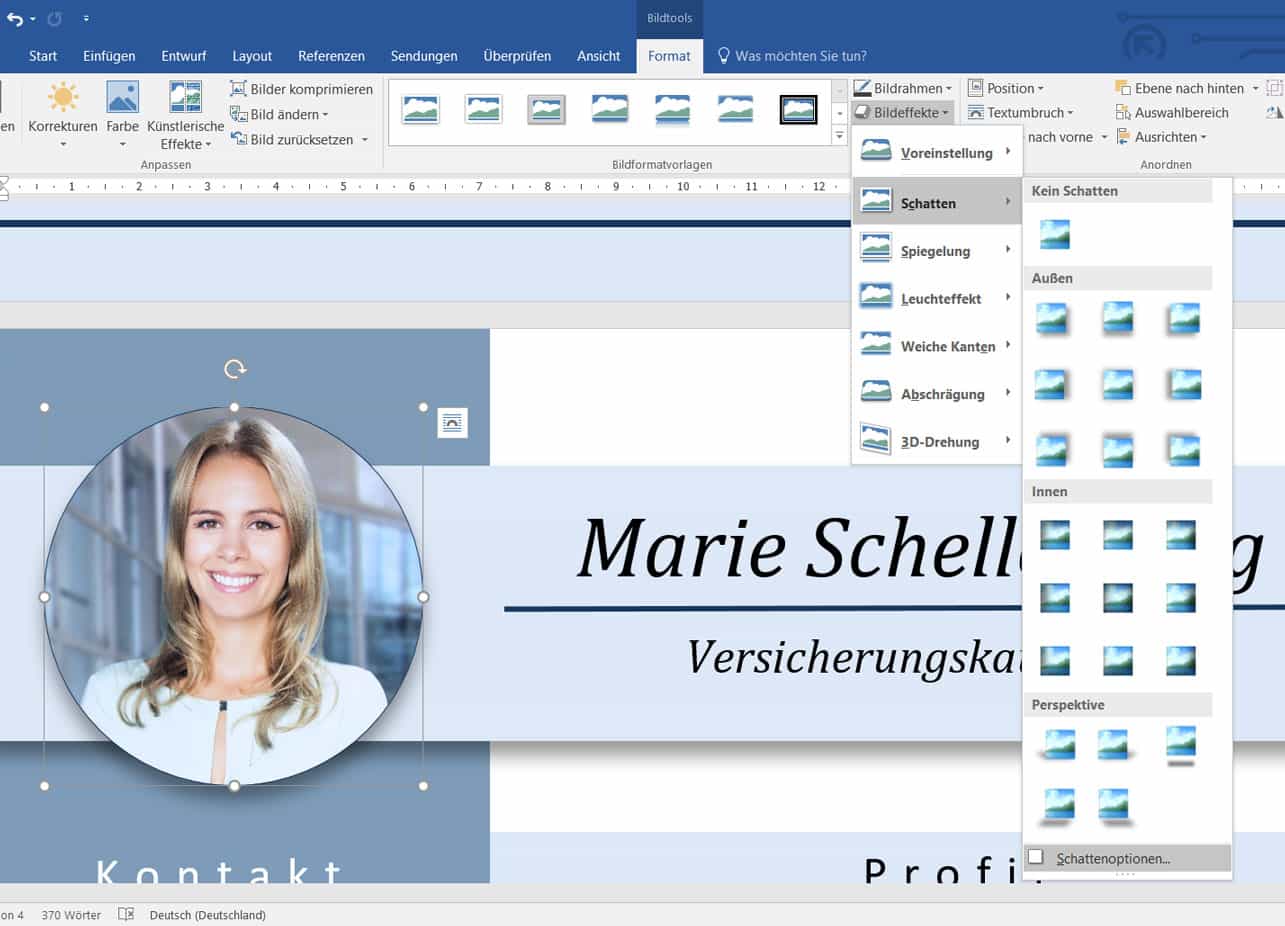
Tutorial: Displaying a photo with a shadow at the edge in Word:
1. Select photo
2. Select “Image Effects” under “Format”
3. Go to “Shadow” and select a shadow. Preferably from the “outside” area
4. To change the settings of the shadow, click on Shadow Options
5. A menu opens in which you have various settings to choose from